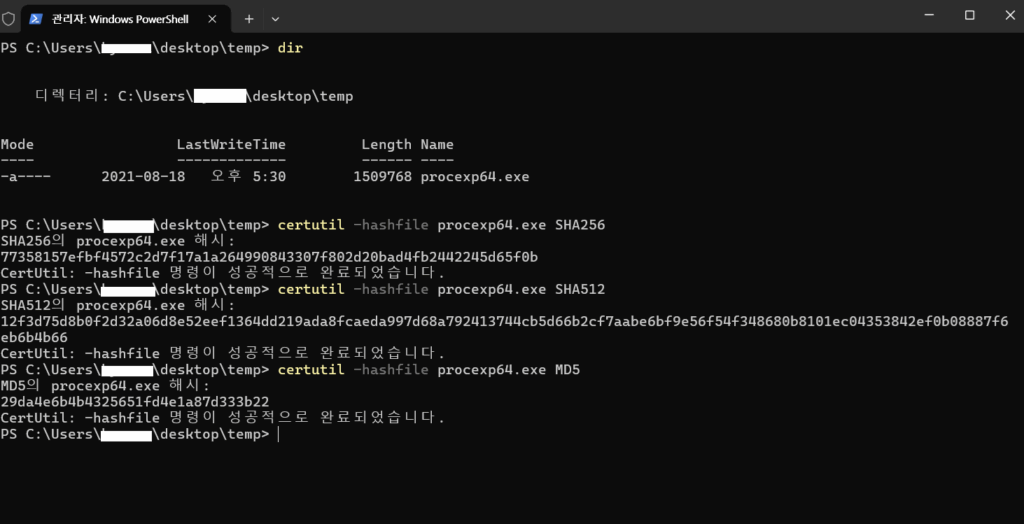
파일의 해시값을 확인해야 할 때 별도의 툴 없이도 윈도우 파워쉘에서 확인이 가능합니다.
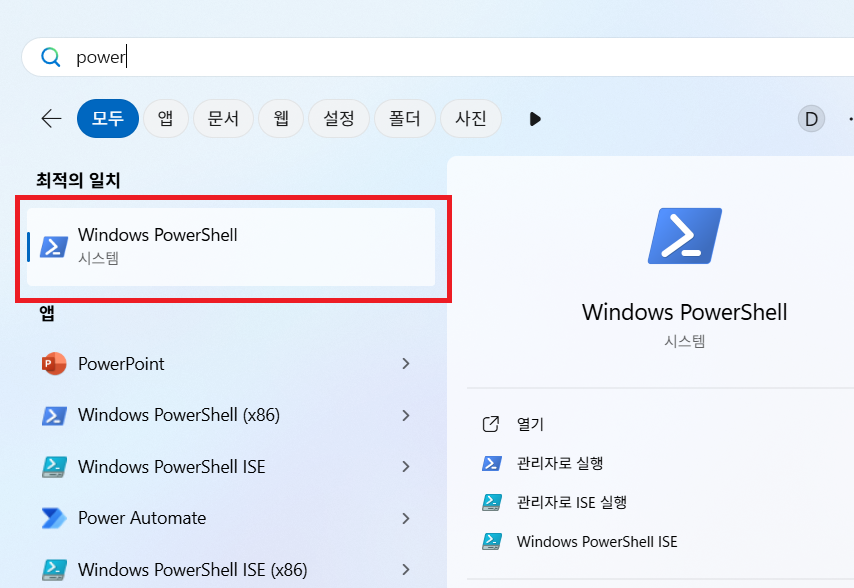
파워쉘을 실행해주세요.
해시값을 확인할 파일로 이동하고 certutil 명령어를 사용합니다.
certutil -hashfile [파일경로] [해시알고리즘]아래는 각각 SHA256, SHA512, MD5 로 procexp64.exe 파일의 해시값을 확인한 결과입니다.
PS C:\Users\desktop\temp> certutil -hashfile procexp64.exe SHA256
SHA256의 procexp64.exe 해시:
77358157efbf4572c2d7f17a1a264990843307f802d20bad4fb2442245d65f0b
CertUtil: -hashfile 명령이 성공적으로 완료되었습니다.
PS C:\Users\desktop\temp> certutil -hashfile procexp64.exe SHA512
SHA512의 procexp64.exe 해시:
12f3d75d8b0f2d32a06d8e52eef1364dd219ada8fcaeda997d68a792413744cb5d66b2cf7aabe6bf9e56f54f348680b8101ec04353842ef0b08887f6eb6b4b66
CertUtil: -hashfile 명령이 성공적으로 완료되었습니다.
PS C:\Users\desktop\temp> certutil -hashfile procexp64.exe MD5
MD5의 procexp64.exe 해시:
29da4e6b4b4325651fd4e1a87d333b22
CertUtil: -hashfile 명령이 성공적으로 완료되었습니다.